
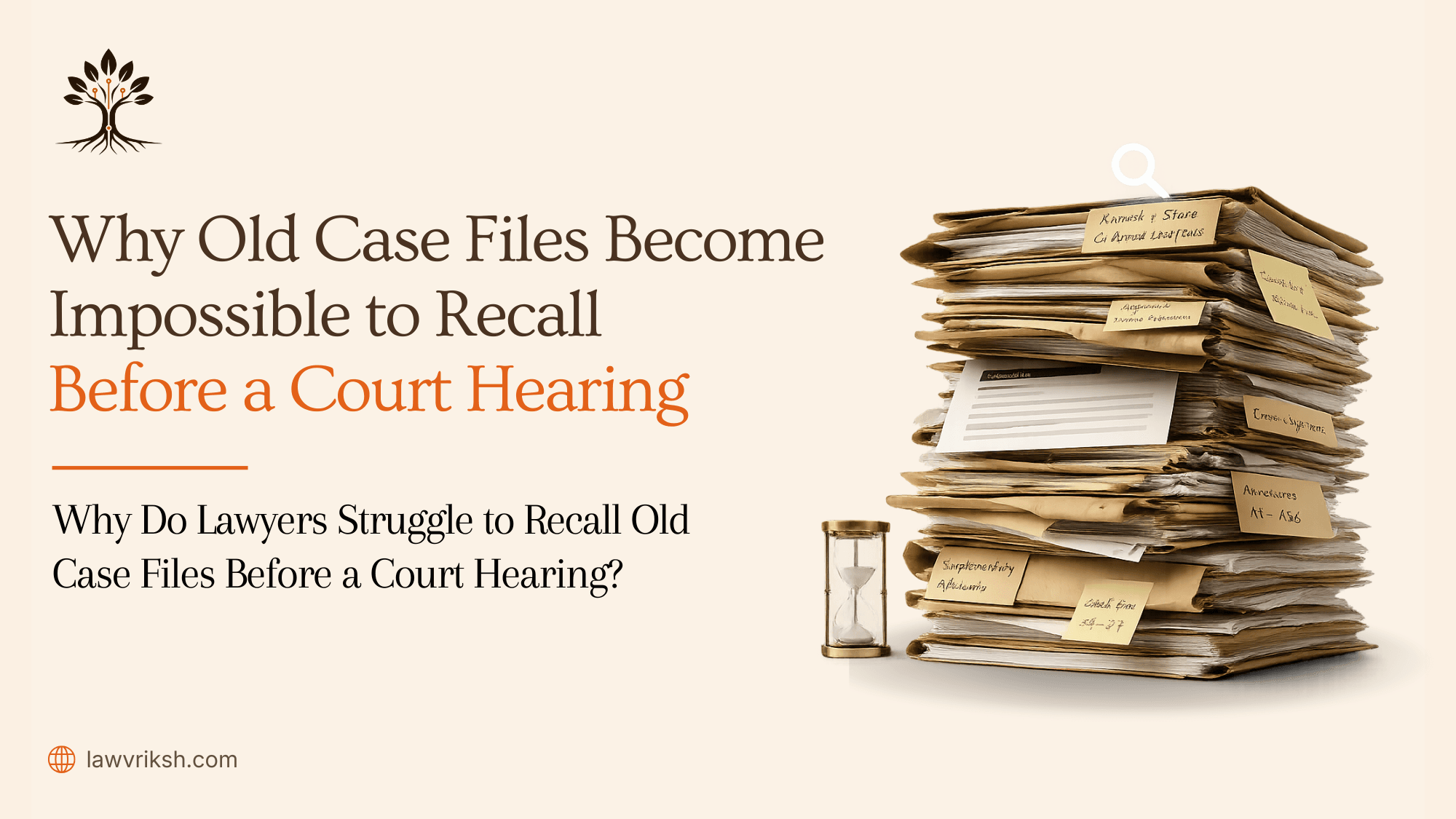
The term court file means all official documents, from exhibits to orders. When these are mixed digital scans and scribbles, remembering facts is tough. Using old ways to find things slows down your work in a busy court.
Today's law needs more than just storing documents; it needs source-linked matter memory. We think moving to a digital, organized system is key. By digitizing and organizing your data, you can manage your work better before your next court hearing.
Key Takeaways
· Fragmented case data often leads to critical information gaps during preparation.
· A formal record includes pleadings, exhibits, orders, and testimony that must be easily accessible.
· Traditional document retrieval methods are no longer sufficient for the demands of modern litigation.
· Digitizing and organizing files creates a reliable foundation for matter memory.
Systematic, technology-assisted workflows allow advocates to maintain better control over their case files.
Why Do Lawyers Struggle to Recall Old Case Files Before a Court Hearing?
Preparing for a court hearing can be tough. You deal with a lot of information. This includes scanned PDFs, emails, WhatsApp messages, and paper files. Without a single place to store all this, your team has to spend a lot of time putting it all together.
Records like pleadings and court orders are scattered everywhere. They're in different formats that don't talk to each other. This makes it hard to get ready for court, as you have to jump between tools to find what you need.
Without a single system, you might miss important details. You could spend hours looking for something specific in a big document. This not only wastes time but also takes away from your legal strategy.
Your time is better spent on arguing your case, not searching for documents. Using many sources makes it hard to keep track of your case. A clear, traceable chronology is key to not missing anything important.
Why Do Old Case Files Become Difficult to Recall?
Document management failures make case preparation hard. It's not because of lack of effort. Instead, it's due to old, inefficient systems.
Case Information Is Scattered Across Multiple Documents
Information is never in one place. A case file is spread out in folders, emails, and digital files. This makes it hard to find everything before a case hearing. Read more about Building Case Chronology from Scattered Documents.
Knowledge Leaves When Junior Lawyers Leave the Chamber
When junior lawyers leave, they take case knowledge with them. This knowledge is not in a system but in their heads. It's hard for the next lawyer to start from scratch.
Important Facts Are Buried in PDFs and Paper Files
Using PDFs and paper files slows things down. Important facts are hard to find in long documents. Also, some records must be deleted after a certain time. Missing these deadlines can cause big problems.
Preparing for Every Hearing Becomes a Manual Exercise
Preparing for a case hearing is a big task. Lawyers have to:
· Put together event timelines from scattered notes.
· Plan legal strategies without a clear case file history.
· Check dates and names in different documents.
This hard work takes up time that could be used for better legal thinking. Old methods make chambers less efficient and less effective.
What Information Should Lawyers Be Able to Retrieve Before a Court Hearing?
Being ready for a court hearing is key for any lawyer. You need to recall important details quickly. This is not just about memory; it's about having a clear matter memory.
Start by organizing the facts of the case. You need a solid chronology of events. This timeline is crucial for your arguments.
Also, have all important documents ready. This includes verified party details and all relevant orders and exhibits. Being able to quickly find these documents helps you answer questions without delay.
Having instant access to these details is essential. It shows how well your legal workflow is set up. Moving to instant retrieval helps you focus on your case better during every court hearing.
Why Isn't Searching Through PDFs Enough?
Many chambers think a simple "Ctrl+F" search is enough for complex litigation files. But, scanning documents into digital format is just the start. Simple keyword searches often miss the context or connections between documents.
Basic PDF readers show you flat images or static text. They can't see how a date in a plaint links to an event in a separate affidavit. With court records open to the public, the data volume is huge. Without a structured method, you might miss key connections that could change your case's outcome.
Legal document management software is key for your practice. It goes beyond simple text searches, offering intelligent matter analysis. Unlike a standard PDF viewer, it links information across multiple sources. Explore more about Why PDF Search Still Fails Lawyers?
"The true value of a case file lies not in the documents themselves, but in the verified facts and the narrative they construct when properly organized."
Let's compare basic searching to advanced management:
Feature | Basic PDF Search | Legal Document Management Software |
Context Awareness | None (Keyword only) | High (Relationship mapping) |
Data Extraction | Manual | Automated |
Cross-Referencing | Not supported | Instant and verified |
Efficiency | Low | High |
By using legal document management software, you can trace facts at a page level. This precision ensures you get verified evidence, not just words. Using outdated methods in today's courtroom is risky. Better tools are available to support your advocacy.
How Can Legal Document Management Software Make Old Case Files Searchable?
Legal document management software connects raw data to useful legal insights. It changes static paper into dynamic, searchable assets. This change helps your team prepare for hearings more accurately.
The first step is to turn documents into text. The software then pulls out important facts like dates and events. This automated extraction makes sure you don't miss any key details when building your case.
A good system makes these documents searchable without losing their original value. You keep full control over the case file. This ensures every digital record is linked back to its source. This is crucial for senior advocates who value accuracy most.
Switching to digital from manual filing is key for modern chambers. Using legal document management software saves time on paperwork. It lets you focus on your core work. This approach turns old data into a strong matter memory that supports your legal plans every day.
How Does LawVriksh Help Lawyers Recall Old Case Files Instantly?
We created LawVriksh to help you manage your case files better. It uses technology to make your daily work easier. Now, you can find any court hearing document quickly.
Step 1 – Digitize Case Files into Readable Text
First, we turn your paper files and PDFs into text that computers can read. This makes your documents alive and searchable in your digital library.
Step 2 – Extract Verified Facts (Parties, Dates, Events)
After digitizing, our system pulls out key info like who's involved, important dates, and major events. This saves you from reading everything over and over again.
Step 3 – Build a Searchable Matter Memory
We then organize this info into a search-friendly database. With AI markers, you can find what you need fast before a case hearing.
Our Cite-as-you-write feature also links your arguments to their sources. This keeps your arguments solid and evidence-based.
Step 4 – Generate Drafts from Verified Matter Facts
Last, we let you create legal drafts from the facts in your database. Our Checks Panel checks your work for errors or outdated laws.
· Cite-as-you-write: Keeps your arguments linked to the source.
· AI markers: Tags important case info for quick access.
· Checks Panel: Finds mistakes or outdated laws in your work.
This workflow helps you feel ready for any court hearing. Our tools take care of the hard work, so you can focus on your strategy.
Best Practices for Managing Old Case Files
Keeping your case file organized is key to good legal work in India. Use a set naming system to make sure all documents are easy to find later. A format that includes the case name, date, and type helps a lot during urgent times.
It's also important to check your digital files often. This helps you get rid of old files and keeps your matter memory clear. It stops your files from getting too big and slow to find.
Having a clear record of who had each document is crucial. When dealing with physical papers, make sure to check them carefully before certifying. This meticulous verification helps your documents stand up in court.
Here's a table with key habits for a top-notch case file system:
Practice Area | Action Required | Expected Outcome |
Naming Conventions | Standardize file labels | Instant searchability |
Document Audits | Quarterly review cycles | Reduced storage bloat |
Chain of Custody | Stamp after verification | Admissible evidence |
Digital Hygiene | Remove duplicate files | Faster retrieval times |
Following these habits keeps your case file system strong and dependable. With the right tech, you'll spend less time on paperwork. This lets you focus on the important legal points for your clients.
Frequently Asked Questions
Many senior advocates ask us about handling the pressure of case file retrieval. Moving from old paper systems to new digital ones can be tough. We answer common questions from legal teams about their daily work.
Why are old case files difficult to recall before a court hearing?
The main problem is the huge amount of info over years. Old case files stored as papers or PDFs are hard to search. Memory alone is rarely enough to find a specific fact quickly.
How can lawyers organize case files more effectively?
Start with a good indexing system that makes every document searchable. Organize by matter and date, not just date. This way, your team can find important info easily, without bothering you.
Is scanning a case file enough?
Just scanning a document isn't enough for today's law. Scanned case files keep the look but aren't searchable. For example, juvenile records need special forms and judicial review. True digitization turns these images into text for keyword searches. Read more about Why Scanned PDFs Are Not Real Legal Digitization.
Can AI help lawyers retrieve information from old case files?
AI is a big help in finding your own records faster. It doesn't replace your judgment but gives source-linked evidence. This lets you make quicker, better decisions, saving time for your main legal strategy.
Stop Rebuilding Old Case Files Before Every Court Hearing
Your time is better spent on legal strategy than on rebuilding files. We offer a system that keeps your evidence organized. This way, every fact is easy to find for your next court hearing.
By avoiding repetitive tasks, your team can focus on important advocacy work. LawVriksh helps organize complex information for you. This lets you rely on your expertise without worry.
Consider a more focused approach to your daily work. Our system ensures your documents are always ready for court. Contact us to learn how we can help you stay organized and precise.