

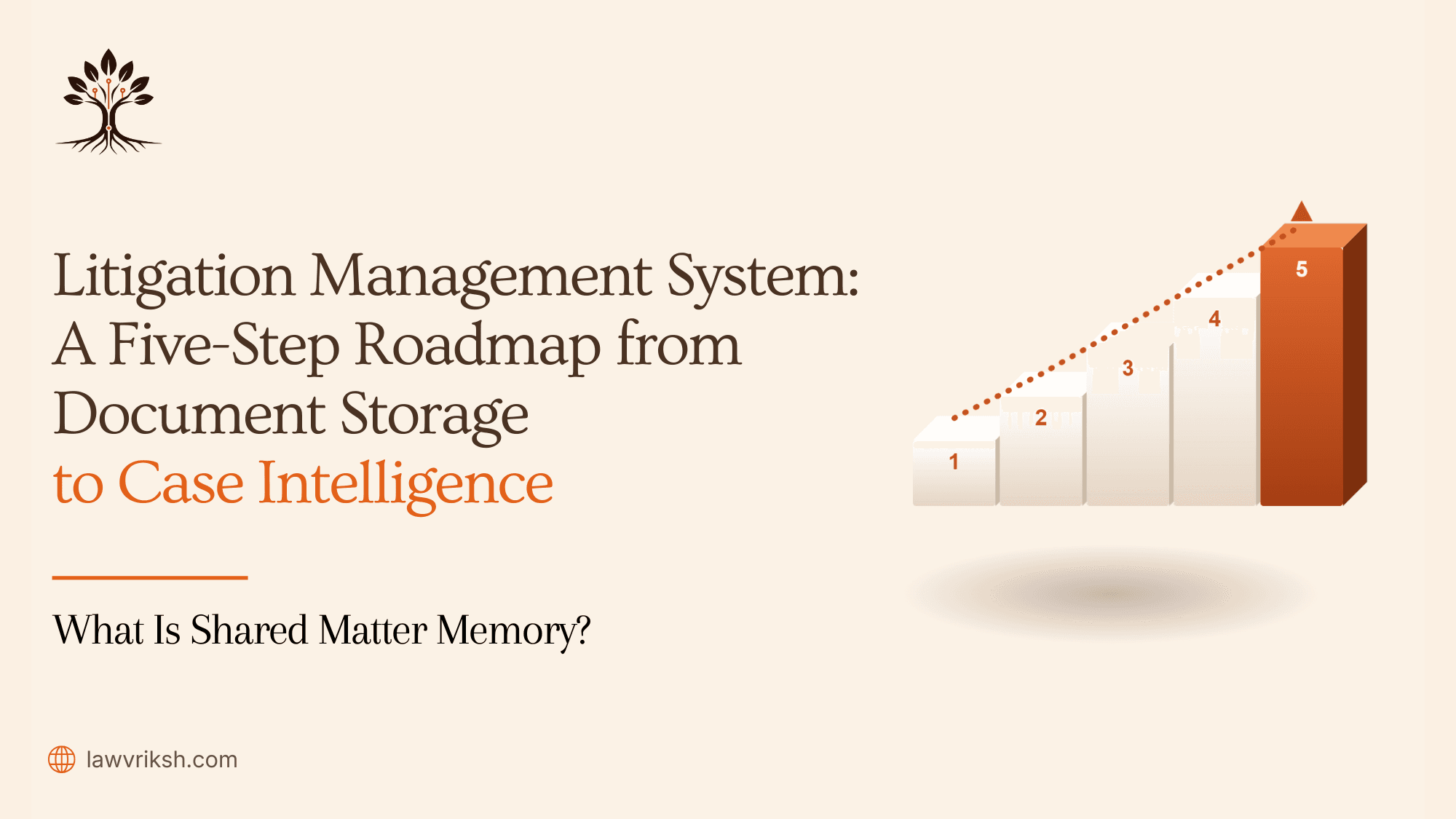
This guide helps you switch from simple document handling to a structured, advocate-led
workflow. We show how to go from messy archives to a strong litigation
management system. This system supports your practice during critical hearing
prep.
Key Takeaways
Understand the shift from
passive document storage to active case intelligence.
Learn to map facts for better
matter memory and traceability.
Implement a source-linked
workflow to strengthen your legal arguments.
Digitize files to maintain
total control over your chamber's evidence.
Follow a clear, five-step
roadmap designed for Indian legal practices.
Why Document Storage Alone Is No Longer Enough
If your chamber only focuses on storing documents, you're missing out on important insights.
Digital folders keep everything in one spot, but they're static and don't
connect with your legal strategy. This simple storage method slows down your
ability to handle big cases.
Storing files without context makes quick preparation for hearings hard. Your team spends a
lot of time looking through PDFs for specific details. This manual search leads
to mistakes and errors in court. A good litigation management system turns
these files into useful information.
Without a connected system, your firm is at risk of losing important information. You
need a way to link every document to its role in the case. This ensures your
matter memory is solid, easy to search, and court-ready. A litigation
management system lets your team focus on winning cases, not just finding
documents.
Feature | Static Document Storage | Litigation Management System |
Data Access | Manual folder navigation | Instant, context-aware search |
Case Strategy | Disconnected from files | Integrated with case facts |
Risk Management | High risk of human error | Automated verification checks |
Workflow Efficiency | Slow, reactive retrieval | Proactive, intelligence-led |
Step 1: Digitize Legal Documents and Case Files
Starting a
modern litigation practice means turning physical records into digital ones.
Many chambers in India still use heavy physical bundles. These are hard to
search and can get damaged easily. By digitizing these records, you can manage
your information better and prepare for more detailed analysis.
This first step
is more than just scanning pages. It's about creating a searchable index for
quick access to evidence or procedural history. Treating your records as data
helps your team work more precisely.
Convert Typed, Scanned, and Handwritten Documents into
Searchable Text
Legal work often includes typed and handwritten documents. Standard scanning isn't enough
because it creates images that search tools can't read. You need Optical Character Recognition (OCR) and Intelligent Character Recognition (ICR) to make these legal documents readable by
machines.
This technology extracts text from scanned documents and handwritten notes. Your legal document
management software can then index every word. This way, no important detail is
lost when moving from paper to screen.
Build a Centralized Repository for Every Matter
Having files scattered across different computers or cabinets is risky. You should create a
single place for all case files in a structured format. This ensures everyone
has the same version of the truth.
A centralized system is crucial for your practice. It links documents to events and keeps a
clear history of the case. Organizing your legal documents in one place saves
time and lets you focus on legal strategy.
Feature | Traditional Storage | Digital Repository |
Searchability | Manual/Slow | Instant/Keyword-based |
Accessibility | Physical Presence Required | Remote/Secure Access |
Data Integrity | Risk of Loss/Damage | Version Control/Backup |
Collaboration | Limited to One User | Multi-user/Real-time |
Switching to a digital repository is more than saving space. It's about building a reliable
foundation for your litigation workflow. When your case files are digitized and
stored well, your legal document management software becomes a key tool for
intelligence, not just a digital filing cabinet.
Step 2: Organize Information Around the Matter
Effective chambers move from static folders to dynamic, matter-centric systems.
Traditional digital storage is like physical cabinets, making it hard to find
documents. By focusing on the matter, you align your digital space with your
workflow.
Move Beyond Folders to Matter-Centric Case Files
Folders are rigid and can hide important information. Organizing by matter links documents,
emails, and notes to their cases. This matter-centric view shows a case's
history in one place.
Instead of digging through folders, you can quickly find client or hearing information.
This makes your team work more efficiently with case files.
Create a Single Source of Truth for Every Case
A centralized repository is the truth for your chamber. When everyone uses the same case
management software, you avoid outdated documents. This keeps your information
accurate in complex cases.
Collaboration is smooth when everyone sees the same facts and filings. You don't need to
check if a document is current. Here's how traditional storage compares to a
modern, integrated system:
Feature | Traditional Folders | Matter-Centric System |
Data Access | Fragmented and siloed | Centralized and searchable |
Version Control | Manual and error-prone | Automated and secure |
Workflow | Static storage | Integrated case management software |
Retrieval Speed | Slow and manual | Instant and context-aware |
Adopting this structure helps your team build stronger arguments. A well-organized system
keeps your case files at the heart of your strategy. This change makes your
practice more efficient and intelligent.
Step 3: Extract Verified Facts and Build Case
Intelligence
True case intelligence comes from turning raw documents into a clear map of events and
evidence. Storage keeps your files safe, but extraction lets you understand
complex litigation clearly. By finding the core of your case, you move from
just holding info to actively planning your legal strategy.
Capture Parties, Dates, Events, and Procedural History
Every legal case is built on specific data points. It's important to identify key parties,
critical dates, and the sequence of events that define the dispute. This
procedural history is the backbone of your argument, making sure no detail is
missed during important hearings.
By capturing these elements, you create a reliable matter memory that your whole team can
rely on. This structured method lets you see the case timeline easily. It helps
you predict what the opposing counsel might do by knowing the case history
better than anyone else.
Link Every Fact to Its Source Document
The strength of your legal position depends on proving every claim you make. You must link
every fact to its source document to create a verifiable audit trail. This
ensures your arguments are backed by evidence, which is key for credibility in
court.
By creating a page-level trace, you avoid the hassle of searching through files or
disorganized folders. When you click on a fact, the system should show the
original document as proof. This precision lets you prepare for
cross-examinations and drafting with confidence.
Feature | Traditional Storage | Intelligence-Driven Workflow |
Data Access | Manual folder search | Instant fact retrieval |
Evidence Linking | None | Direct source-linked proof |
Case Timeline | Mental or handwritten | Automated, verified chronology |
Audit Trail | Non-existent | Complete, verifiable history |
Step 4: Use AI to Improve Litigation Workflows
AI is a game-changer for lawyers handling big cases. It automates boring tasks, freeing
up time for important legal planning. Today's case management software includes
these AI tools to keep your team ahead.
Generate Context-Aware Drafts and Hearing Notes
Writing legal papers can be tough, needing lots of information. AI tools help by making
drafts that fit your case perfectly. This means your first drafts are solid,
based on verified facts. Read more about The Cost of One Unverified Fact in a Filed Draft.
AI also helps with hearing notes. It pulls out important dates and events, making your court
prep easier. You still make the final decisions, using these drafts as a
starting point.
Search, Research, and Collaborate Faster
Good teamwork is key for success. AI-powered case management software lets your team search
quickly, not slowly. This ensures everyone works from the same verified source
of truth.
Centralized research means better work quality. You can track changes and share ideas
easily. This builds a knowledge base that grows with each case. The table below
shows how AI changes your work from hard to smart.
Workflow Task | Manual Approach | AI-Assisted Approach |
Document Retrieval | Folder-based searching | Semantic, context-aware search |
Drafting Notes | Manual transcription | Automated, source-linked drafts |
Team Collaboration | Email and physical files | Real-time, secure platform access |
Fact Verification | Cross-referencing by hand | Instant link to source documents |
Using these technologies makes your team more efficient and accurate. Adding case
management software to your routine doesn't replace your skills. It supports
your work at every step of a case.
Step 5: Build a Modern Litigation Management System
Creating a modern litigation management system is the final step to control your cases
fully. Digitizing files and organizing data are key, but the real power comes
from how they work together. By linking your tools, you make sure every piece
of info has a clear purpose.
Connect Case Management Software with Verified Matter
Memory
Your case management software should be the heart of your practice. Connecting it to a
verified matter memory stops data silos in complex cases. This link makes sure
everyone has the same, correct facts.
Consistency is the hallmark of a professional practice. Keeping one truth source cuts down on
verifying details. This lets you focus on legal strategy, not just keeping
things straight.
Transform Legal Document Management Software into a
Litigation Intelligence Platform
Most chambers use basic legal document management software for storage. But you can make it
more. Add automated workflows and links to facts to turn it into a litigation
intelligence platform. This change makes your archives a powerful tool for your
cases.
When your documents are smartly indexed and linked, you get a strategic advantage in big
cases. This last step makes your practice run smoothly with technology. You're
not just storing files; you're building a growing knowledge base.
How LawVriksh Helps Chambers Build Case Intelligence
We created LawVriksh to connect raw documents to case
intelligence for busy lawyers. It's a dedicated partner for Indian litigation
chambers. They need to go beyond simple file hosting to a more structured,
evidence-led workflow.
By focusing on your specific needs, we help you control your files and cut down on admin work.
Our aim is to keep your matter memory intact, accessible, and ready for every
hearing.
Digitize, Understand, and Organize Every Matter
Improving litigation management starts with turning your archives into a searchable
knowledge base. LawVriksh lets you ingest various file types. This ensures
every document is indexed and ready for analysis.
Once your files are in the system, our tools help you organize the timeline of events and
identify key parties. This transforms a chaotic folder structure into a
matter-centric repository. Here, every piece of information has a clear
purpose.
Automated Indexing: Quickly
categorize documents by type, date, and relevance.
Contextual Mapping: Link
disparate files to specific legal arguments or procedural stages.
Centralized Access: Ensure your
entire team works from a single, verified source of truth.
Read more about
Legal Matter Management for Indian Advocates: How a Matter Memory Checklist Preserves
Case Understanding.
Draft with Cite-as-you-write and Verify with the Checks
Panel
Drafting legal submissions often involves tedious cross-referencing between multiple windows
and physical files. LawVriksh simplifies this by allowing you to cite-as-you-write. It
pulls evidence directly from your organized matter memory into your drafts.
The Checks Panel acts as your final safeguard. It verifies your arguments against the source documents in real-time. This feature ensures that every claim you make is backed by
evidence, minimizing the risk of errors during high-stakes litigation.
Feature | Traditional Storage | LawVriksh Intelligence |
Document Retrieval | Manual folder search | Instant semantic search |
Evidence Linking | Memory-based | Automated source-linking |
Drafting Accuracy | Manual verification | Real-time Checks Panel |
Workflow Control | Fragmented | Unified matter-wise view |
Frequently Asked Questions
Switching to digital workflows can raise many questions for busy chambers. We've collected
the most common ones to guide you smoothly into modern legal tech.
What is a litigation management system?
A litigation management system is a full platform for managing a case from start to finish.
It's not just for storing files. It links facts, evidence, and history to your
documents. It's a central place for organizing all case details for easy access
and analysis.
How is case management software different from legal
document management software?
Legal document management software mainly stores and finds files. Case management software
does more. It helps plan arguments and track deadlines. You need both for
effective case strategy.
Why should chambers digitize legal documents and case
files?
Digitizing your legal documents and case files keeps you competitive in today's fast legal
world. It makes information easy to find and access from anywhere. This saves
time and boosts your team's productivity.
How does LawVriksh help build case intelligence?
LawVriksh turns data into useful insights by creating a source-linked matter memory. It digitizes, organizes, and links your
files to their sources. This ensures your case preparation is based on solid
evidence.
Move Beyond Document Storage with a Litigation Management
System
Switching to a litigation management system is a big step for any Indian law chamber. Many
start by digitizing their files. But, real efficiency comes from how you use
that information.
Going beyond basic legal document management software lets you turn data into useful
insights.
How is case management software different from legal AI?
It's easy to mix up basic tools with advanced AI. Case management software is like the
digital heart of your office. It tracks deadlines and keeps things organized.
But, it doesn't really "get" the legal arguments in your files.
Legal AI, on the other hand, is like a smart layer on top of your data. It finds patterns,
pulls out facts, and links documents together. While your software holds the
file, AI helps you build the case theory by spotting issues or missing pieces.
Why is legal tech important for chambers in India?
The legal scene in India is getting more complex. With lots of cases and changing rules, a good
litigation management system is essential. It's not just a nice-to-have; it's a
must-have for a strong practice.
Legal tech helps manage big cases well without losing the personal touch. It lets senior
lawyers stay in charge while handling routine tasks with a trusted, automated
system. This way, your practice is based on solid facts, not just memory.
Feature | Document Storage | Case Management Software | Legal AI |
Primary Goal | File Archiving | Workflow Organization | Case Intelligence |
Data Handling | Static Files | Structured Records | Contextual Analysis |
Advocate Role | Manual Retrieval | Task Tracking | Strategic Oversight |
Outcome | Access | Efficiency | Insight |
Good litigation management needs connected, reliable information, not just storage. Your tech
should match your chamber's needs. This way, you keep full control over every
case.
Legal documents are key to your strategy. By going beyond just storing them, you make your
practice more precise and clear.
Organizing your case files for easy tracking saves you time. You can focus more on winning
cases. A system that values your skills and boosts your success is what you
need.
Discover how LawVriksh can make your practice more efficient and smart. Begin your path to better case
management by choosing advocate-controlled workflo